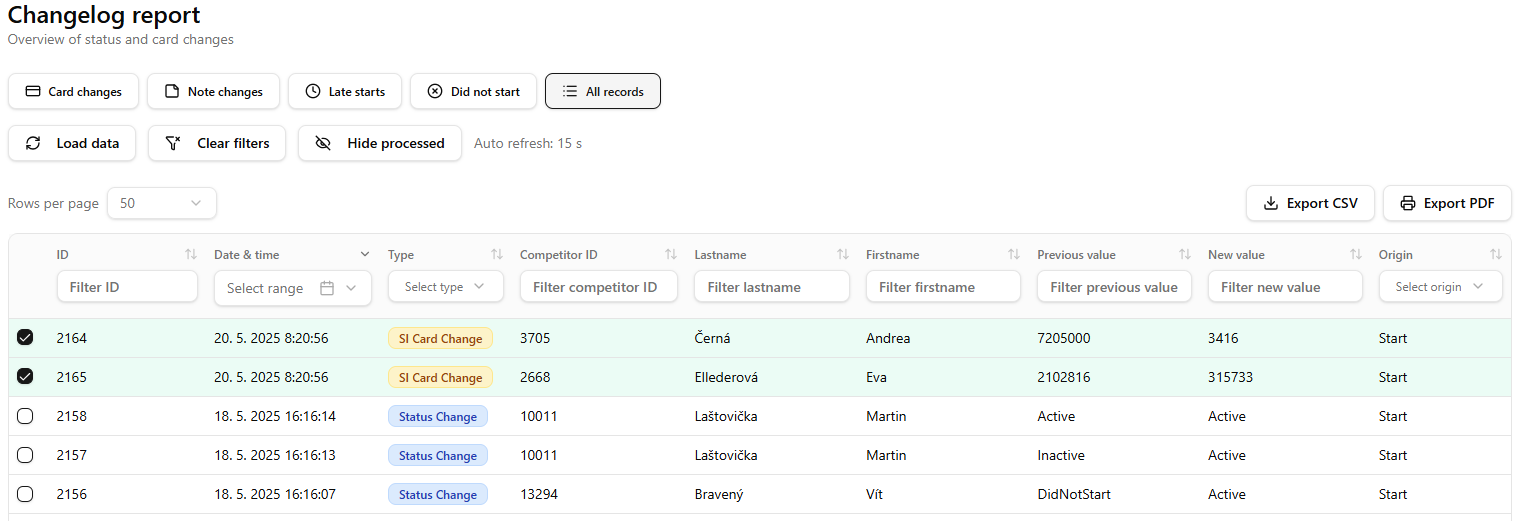
Detect Changes
This is a key feature of the platform. Changes in uploaded data are detected and stored. Subsequently, it is possible to view and filter the changes, for example, by place of origin (start, IT center, etc.). Changes can be easily marked as processed for clearer processing.
Displaying changes
The table report with filters enables checking and tracking changes in real-time. Can be used for manual processing into organising software.
Click on the Report button to display a table with changes
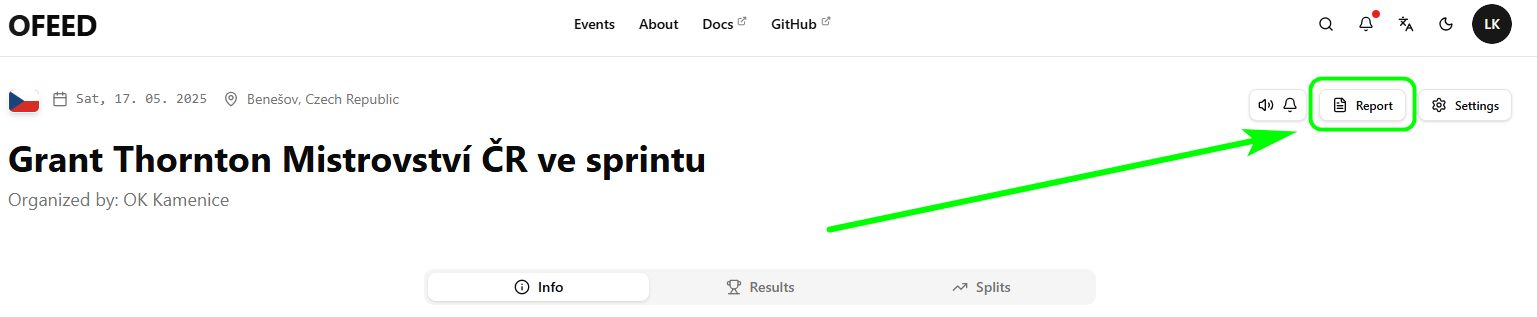
:::info Restricted access The report with changes is only accessible to the logged-in user who is the author of the event. :::
Filtering
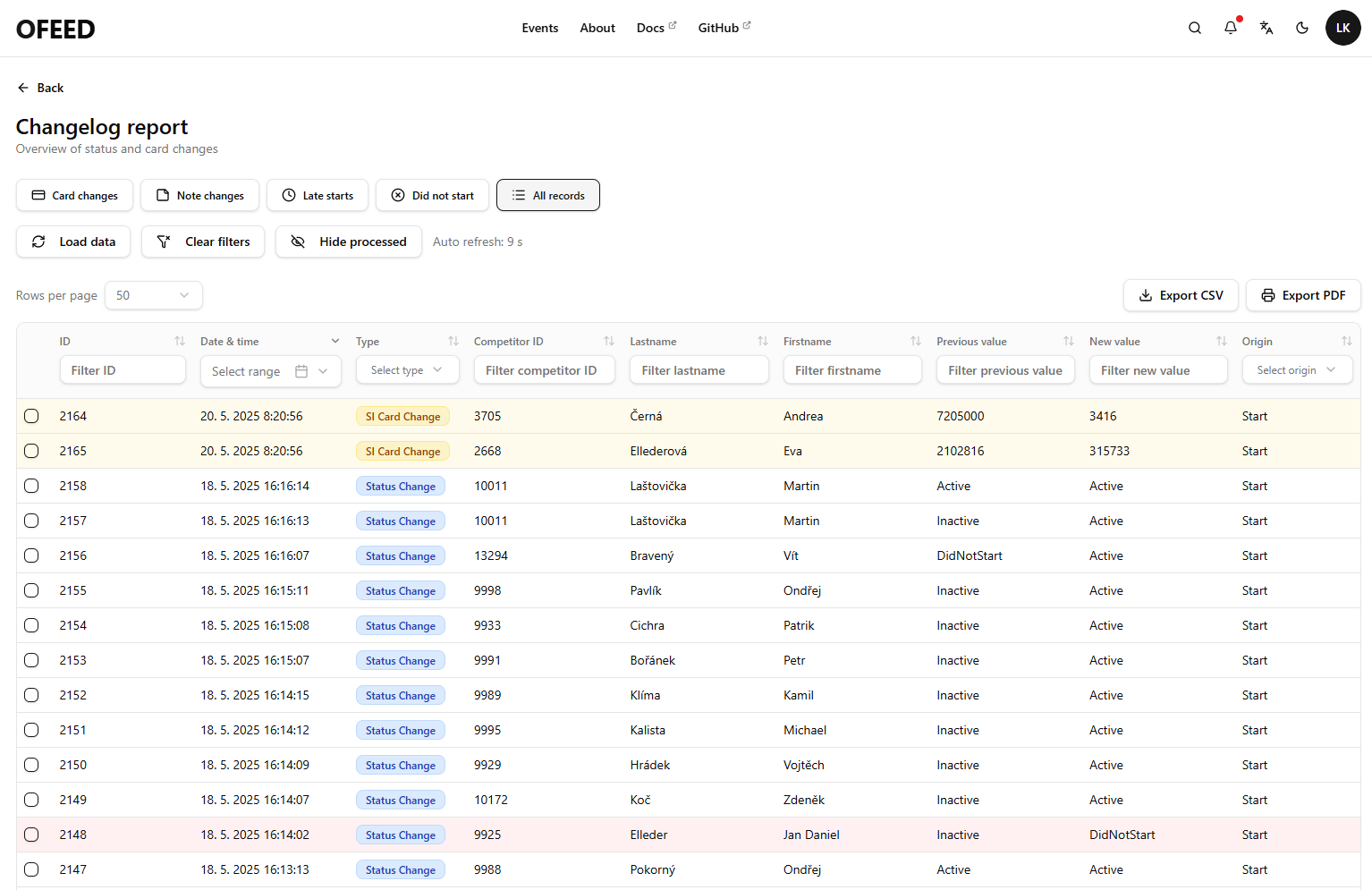
Filter the records as you need. Check the Origin column describing the data's origin. You can use predefined filters that can be combined:
Card changesNote changesLate startsDid not start
or simply type or select the value you are looking for in the column header. Data are automatically refreshed every 30s.
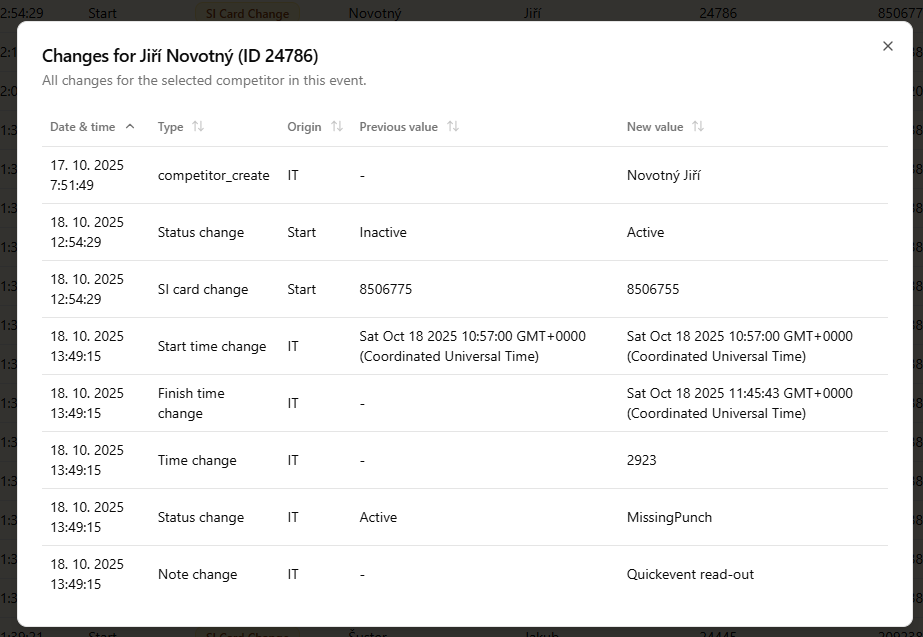
Changes for a selected competitor
By clicking on a row in the table, you can display a table showing all changes for a given competitor.
Processed changes
Use the checkbox in the first column to mark processed changes (if you are processing them manually), which will then turn green. If needed, you can export a CSV or PDF file with filtered changes.