Visualize Data
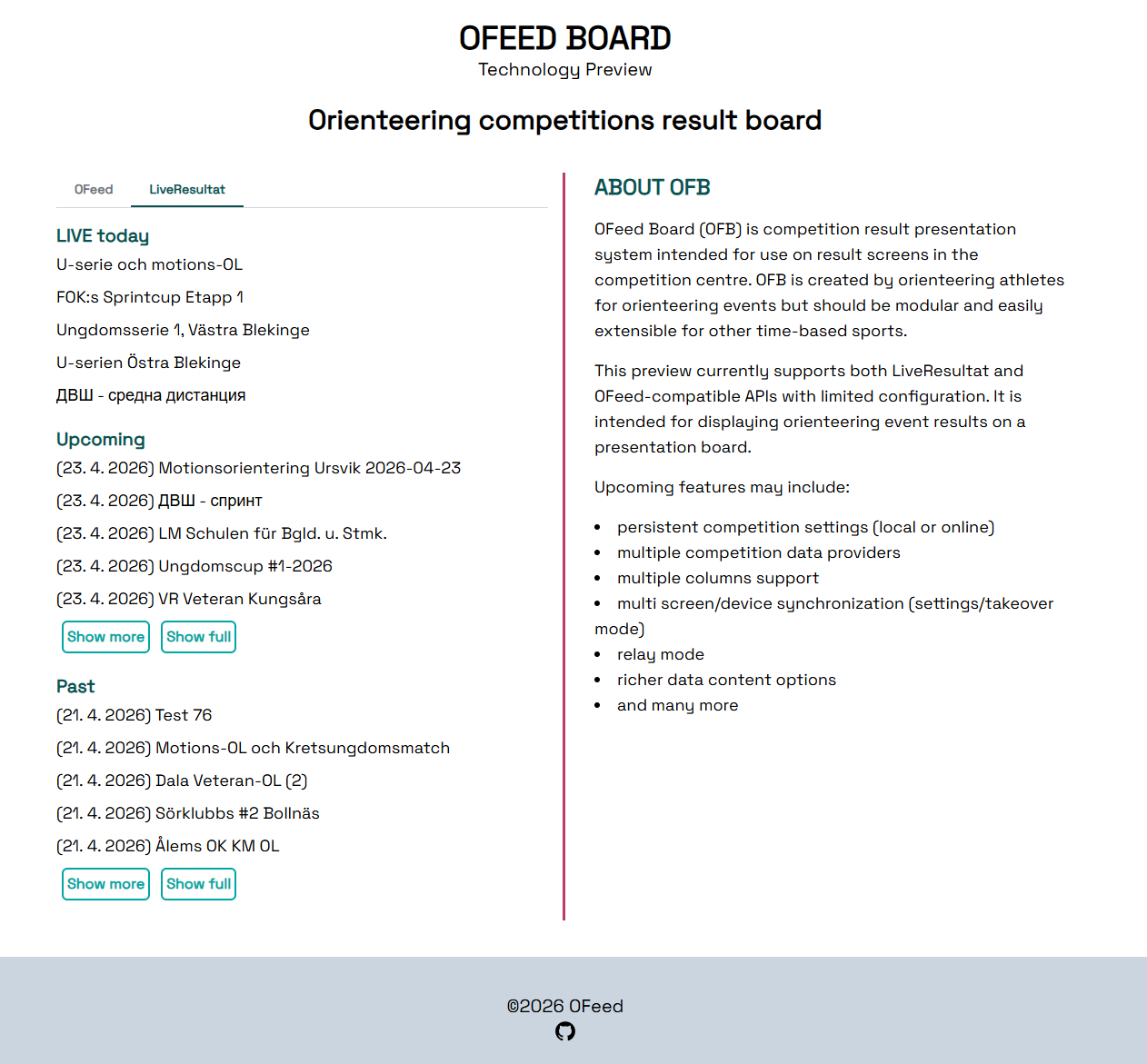
OFeed offers two ways to visualize the uploaded data:
Basic view- designed more for mobile devices and personal useOFB- a results presentation system suitable for displaying start lists and results on screens in the event center
1. Basic Tool
You can check the data in the event details. Both simple results and split times can be analyzed.
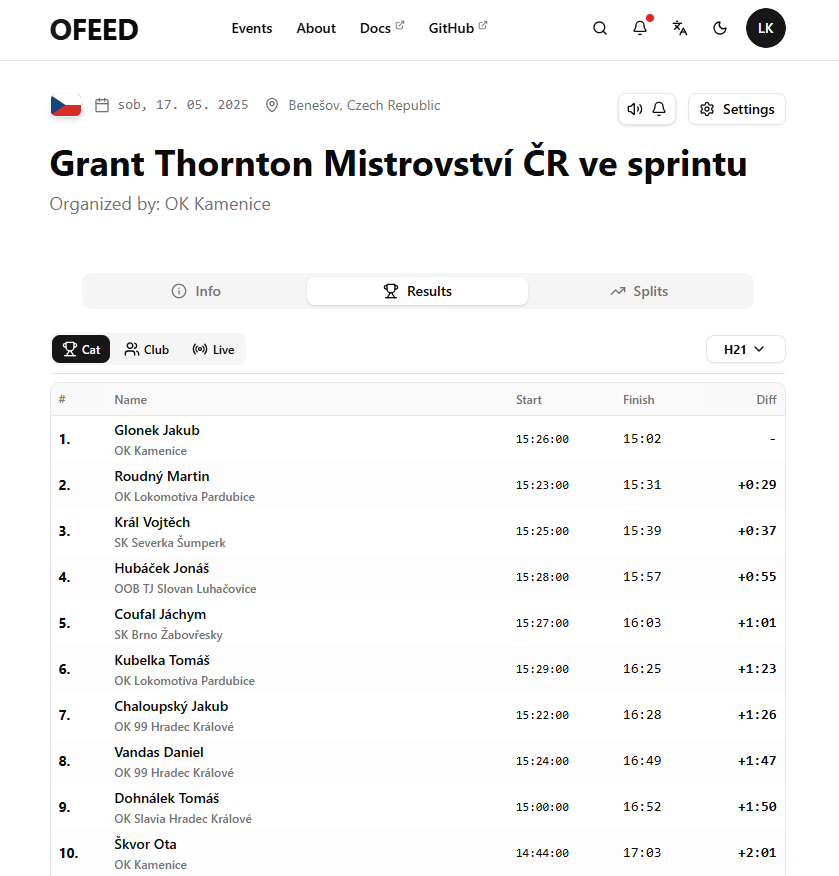
The view supports automatic speaker (speaker icon), which announces when a new winner is read out.
Czech ranking points are calculated on the fly.
2. OFB
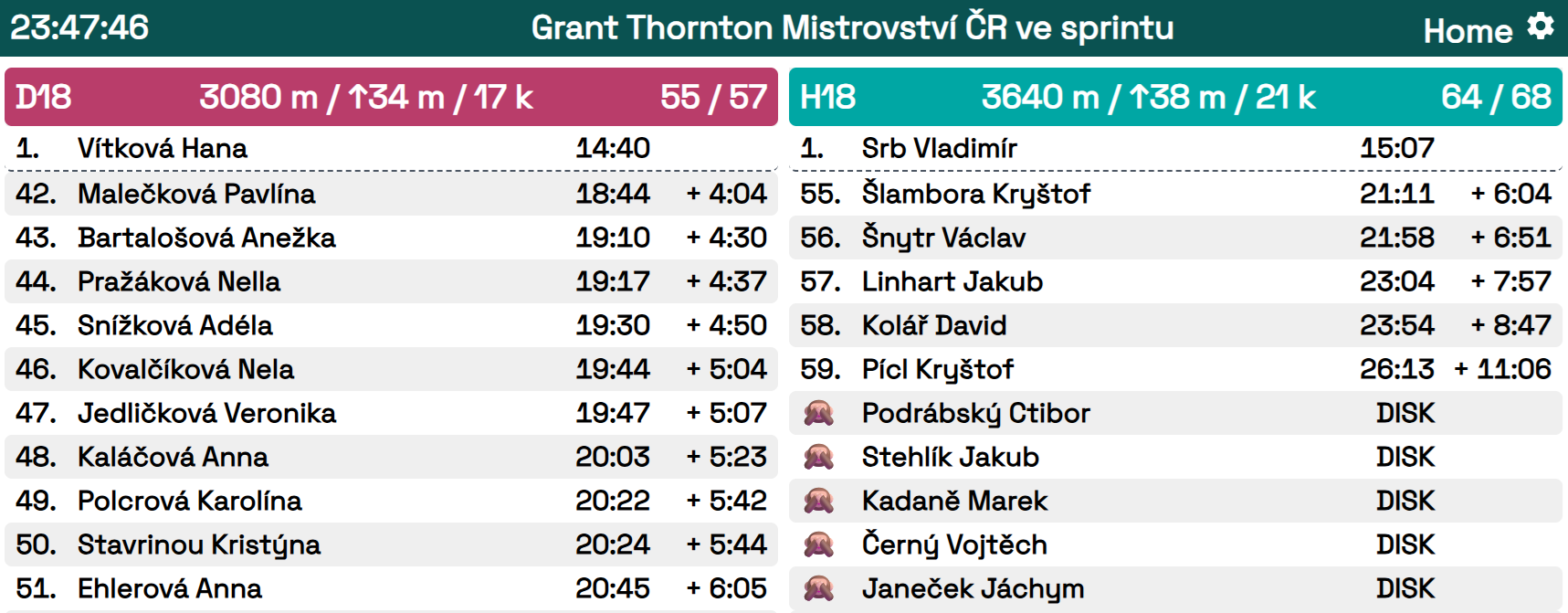
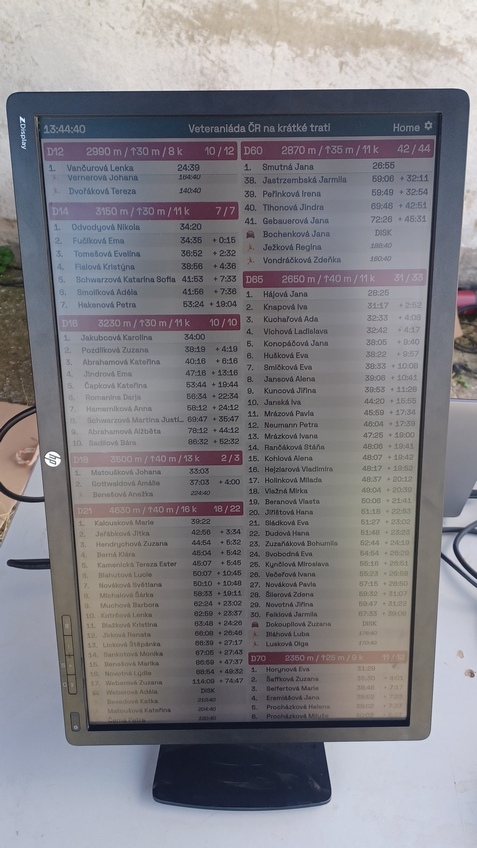
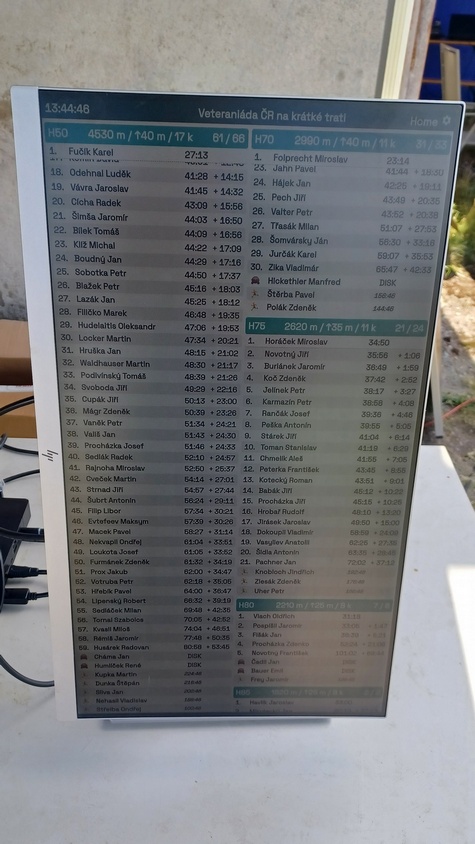
An application proven in many races called OFeed Board (OFB) displays the start list and results in a single interface. The class headers are color-coded:
- Men (class name starts with D or W)
- Women (class name starts with H or M)
- Other (e.g.,
T,Open)
The header color can be manually adjusted if needed.
If you enable emoji display in the table (default option), you will see:
- 🙈 - disqualified
- 🏃 - running
- 🚷 - did not start
- 🏴 - disqualified by the organiser
- 🦄 - not competing
- 🛏️ - not started yet
- 🥇🥈🥉 - top three positions
How It Works
Once you upload data to the platform, everything is automatically prepared for you. Simply visit https://board.orienteerfeed.com and select your listed event.
Launch OFB in the morning and start regular uploading of the start lists and results. The start lists are seamlessly transformed into results as the event progresses. No additional settings are needed.
The recommended browsers are Google Chrome and Firefox. Other browsers may encounter issues, for example, with displaying the emojis.
Setup
Click the Settings button in the upper right corner to access advanced options. You can adjust which classes are displayed, the number of columns used (based on your screen size and orientation), the order of the classes, scrolling style, and table content.
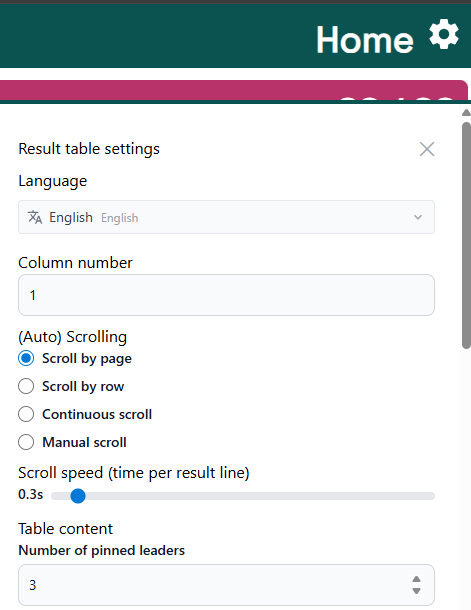
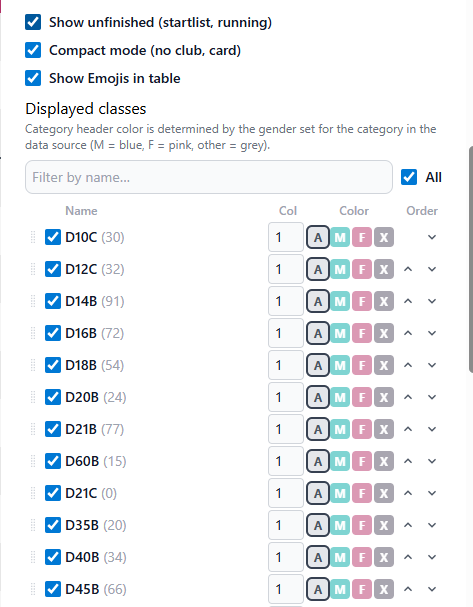
You can use drag-and-drop or arrow buttons to reorder the classes. You can also adjust the number of pinned leaders — a useful option for following the top of the field
Offline Mode
OFeed can run locally in Docker, but this setup is only suitable for OFB. O Checklist cannot be connected, as it requires an internet connection.
Supported event types
The app supports:
- Individual race - both individual and mass start
- Relays - both sprint relay (4 legs) and classic relay (3 legs)
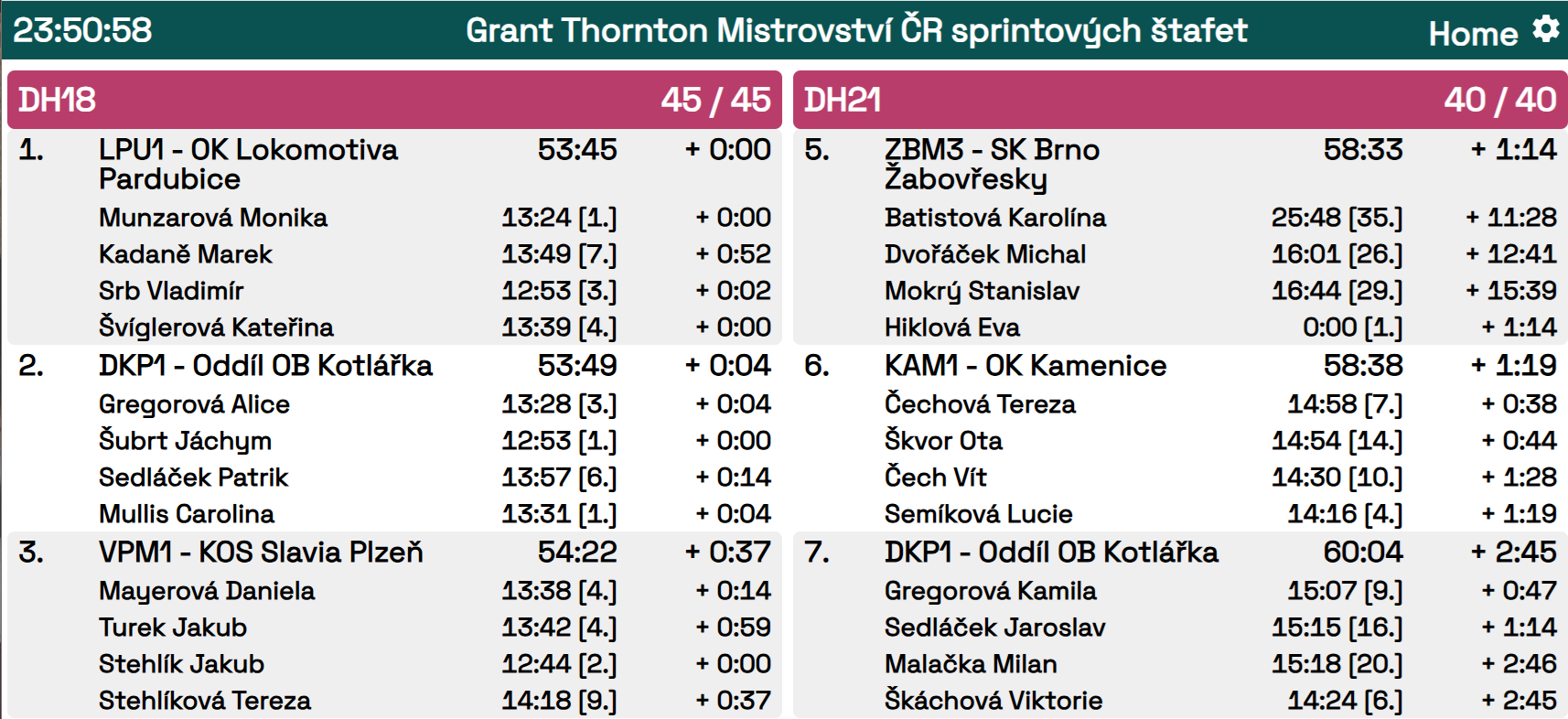
Showcase
- TV screens
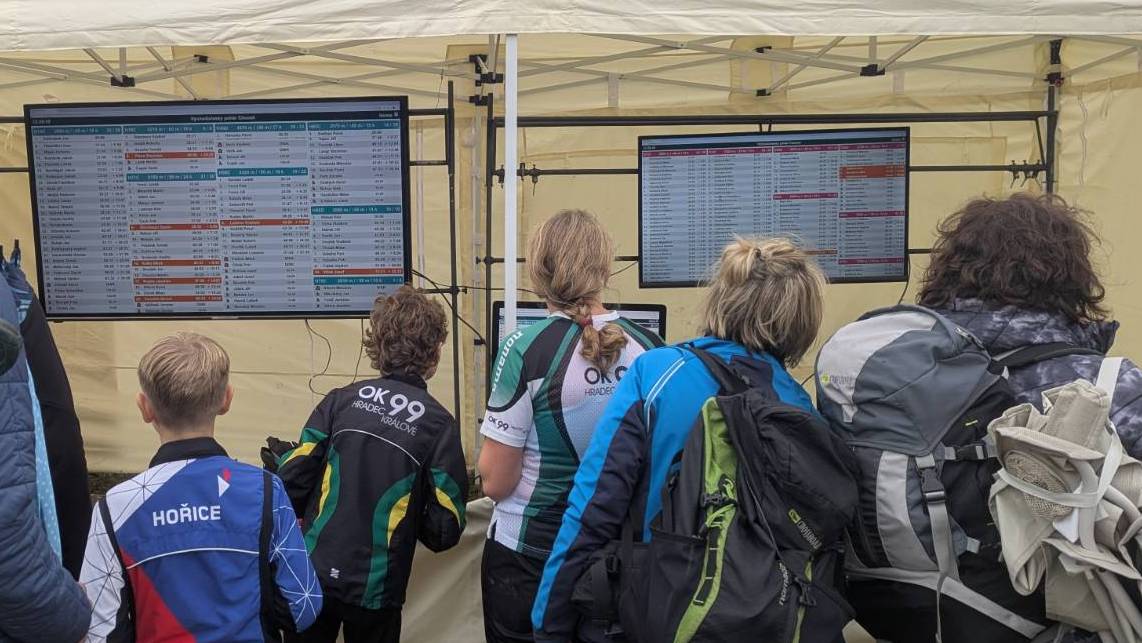
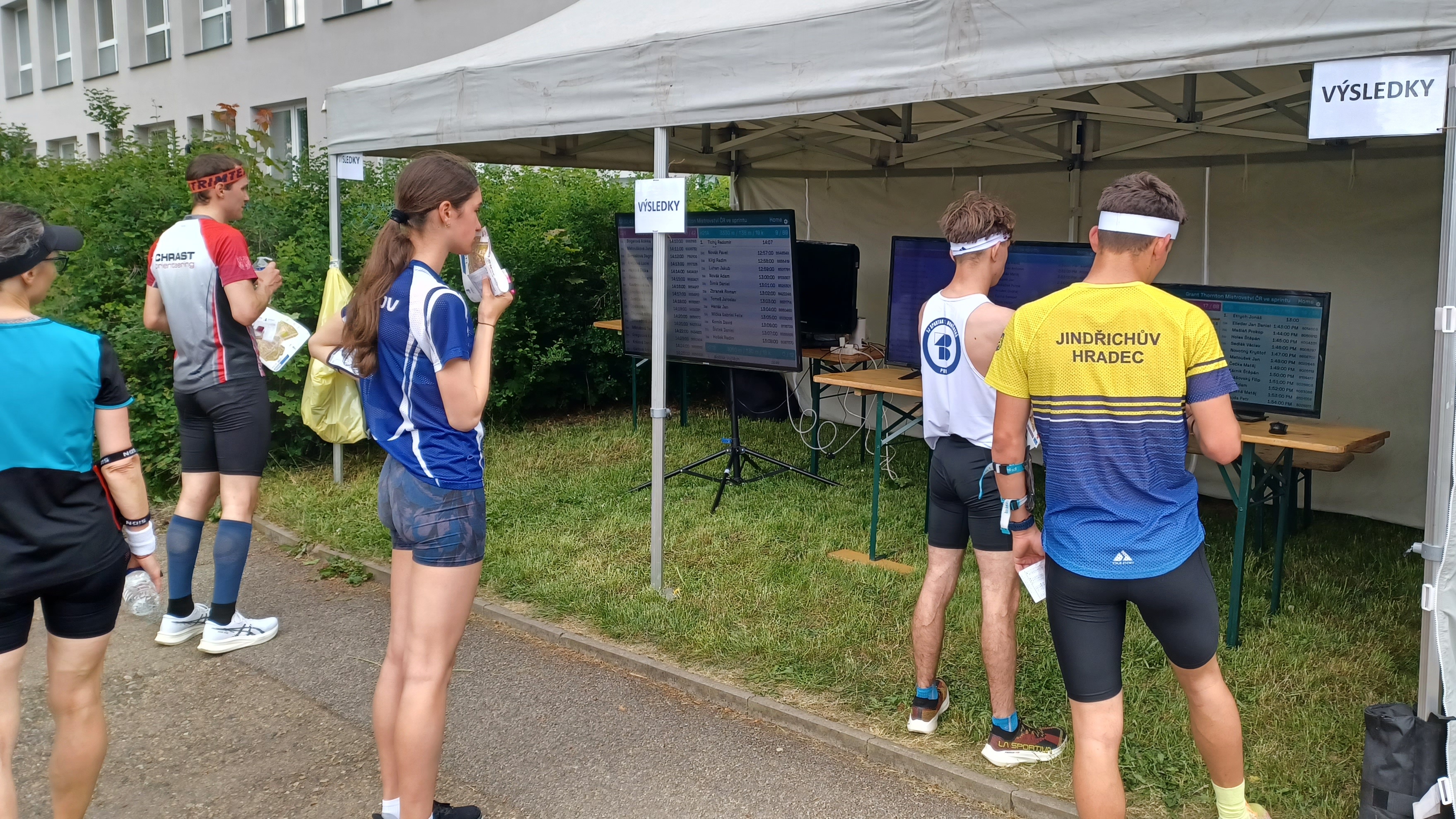
- PC monitors in portrait orientation
Liveresultat orienteering
It can also be used for races that use the online results platform liveresultat.se.