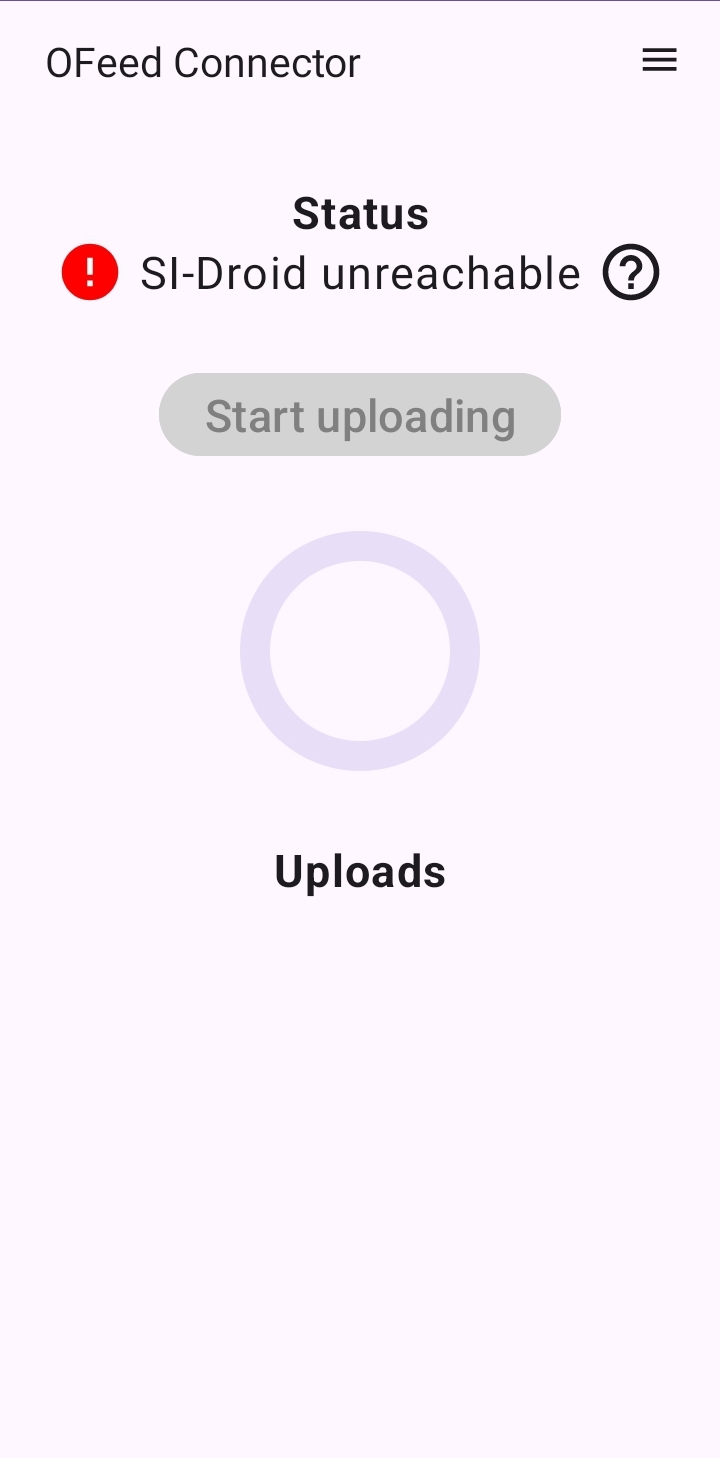
Connect to SI-Droid Connector
The Connector retrieves IOF XML from the /reports/ResultsIof30Xml endpoint and uploads it to OFeed at configured intervals.
The application adds a unique ID to each competitor (combination of last name+first name+SI card number) for unambiguous record identification - this combination must not repeat. It can be disabled in settings.
Punch readouts without a completed name are ignored and will only be uploaded once the name is filled in.
It is also possible to upload an XML file stored on the device via the Upload file menu item.
Application Installation
The application is not yet officially published on Google Play and can be downloaded 👉.
How to Connect
- Enable the results service in SI-Droid - you can keep the default port number 8080
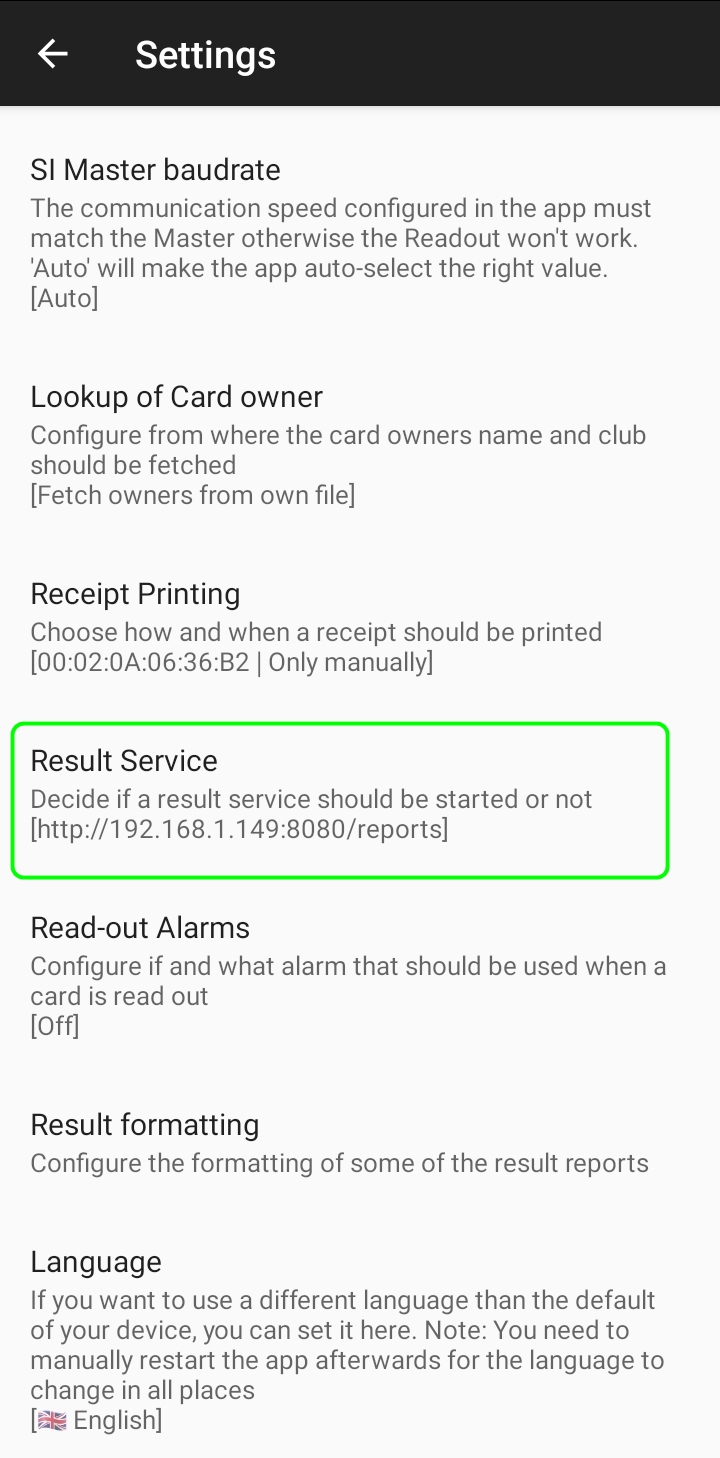
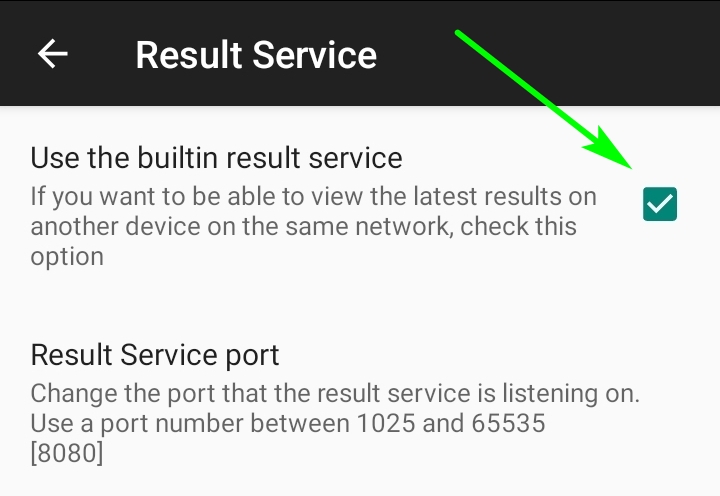
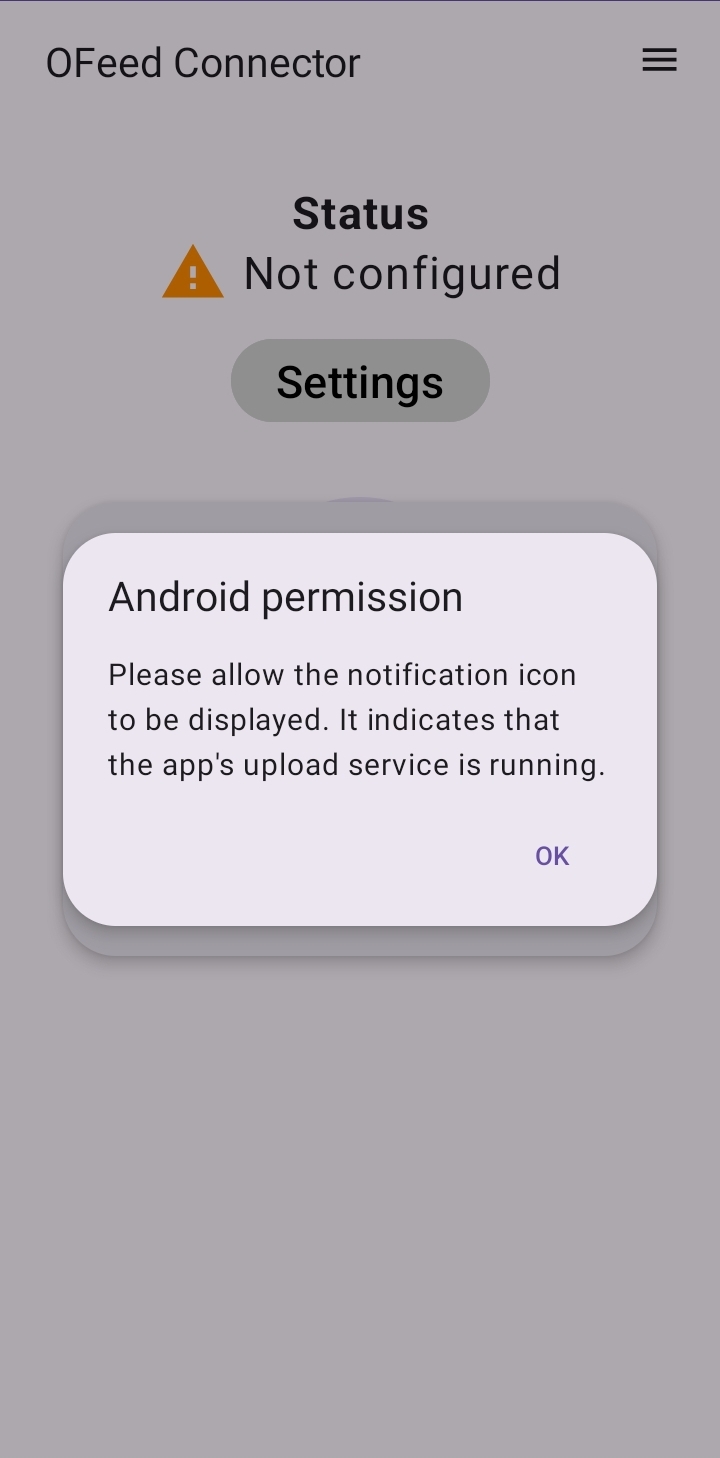
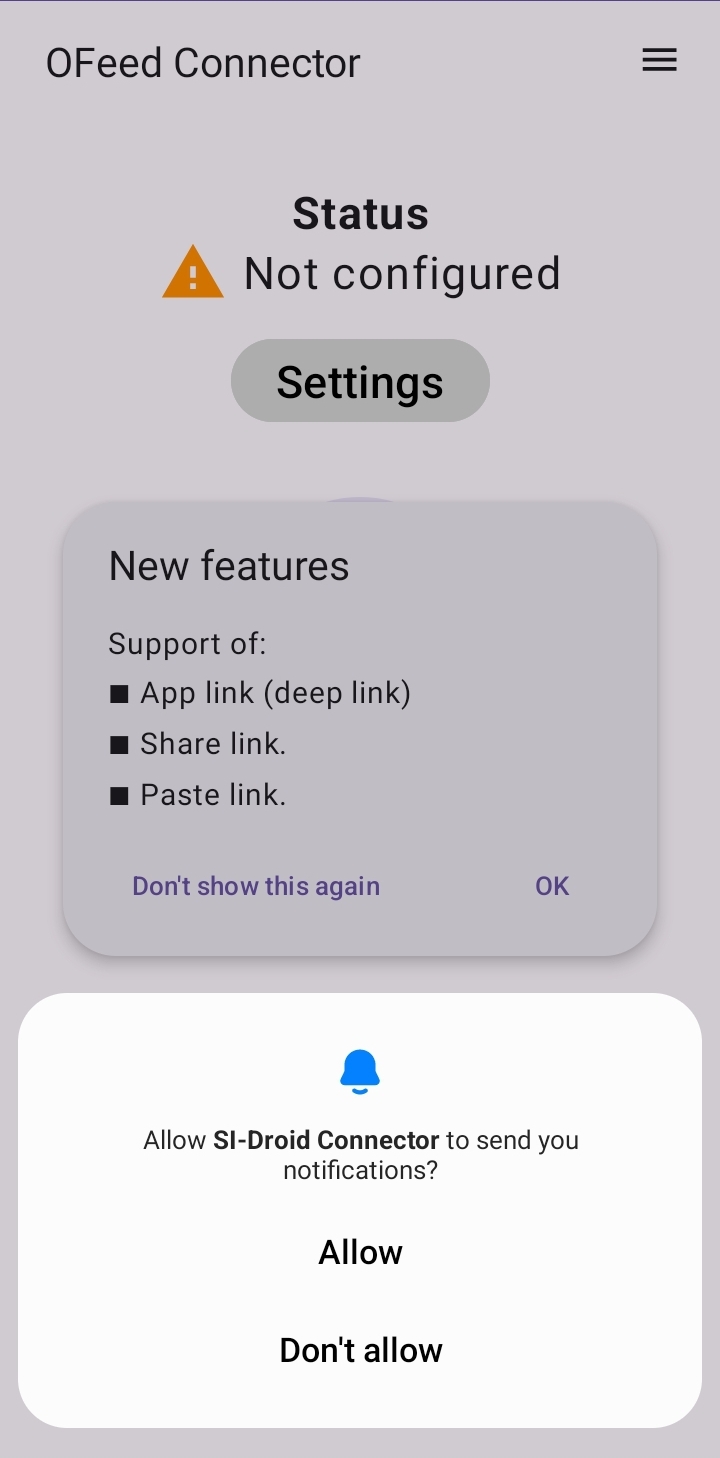
- Start SI-Droid Connector - confirm permission to display notifications
-
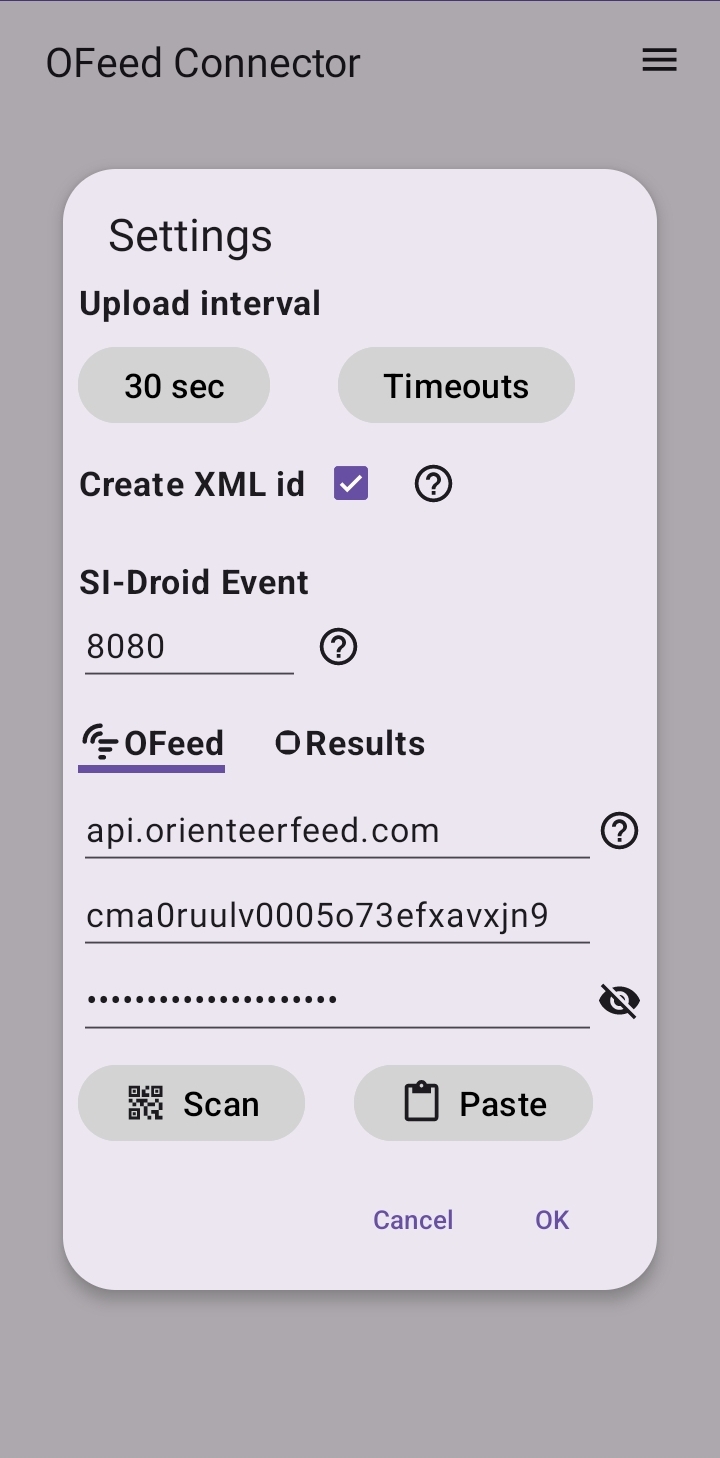
Set the credentials and port number in multiple ways:
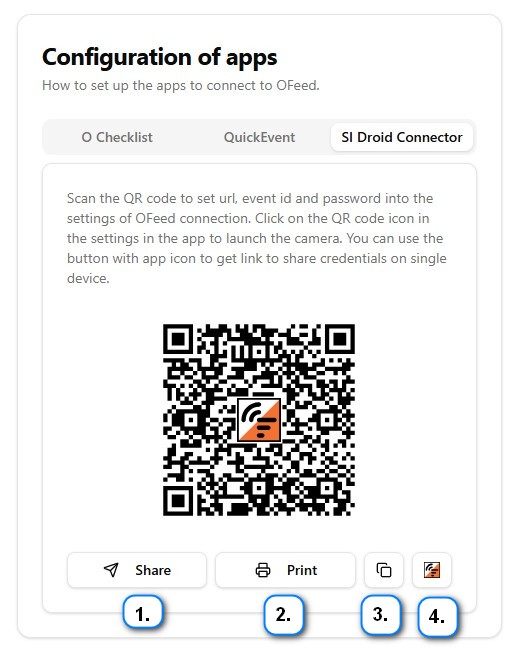
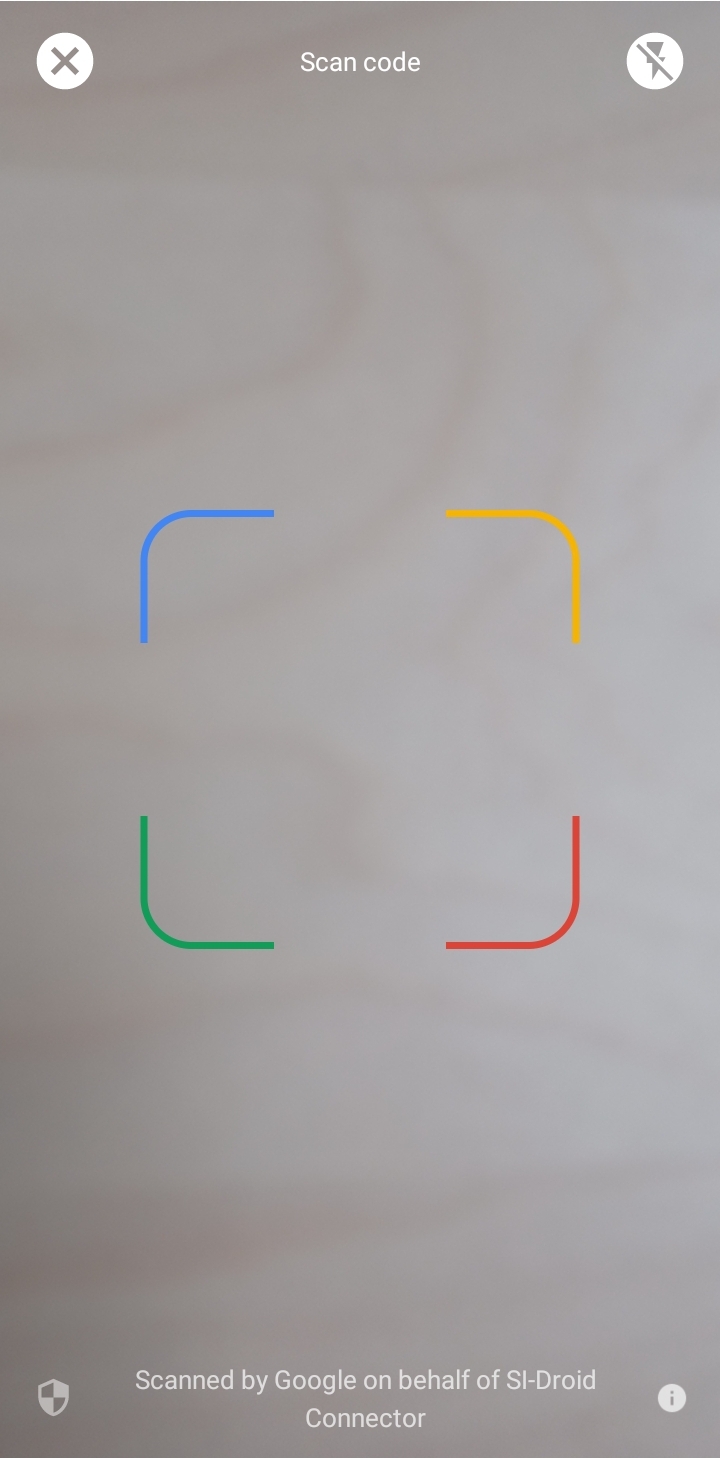
- by scanning the QR code
- 1. Sharing via other apps
- 2. Scanning printed qr code
- 3. Inserting the copied link
- 4. Open app from OFeed setting by clicking the buton with the Connector icon
The port number must match the settings in
SI-Droid.
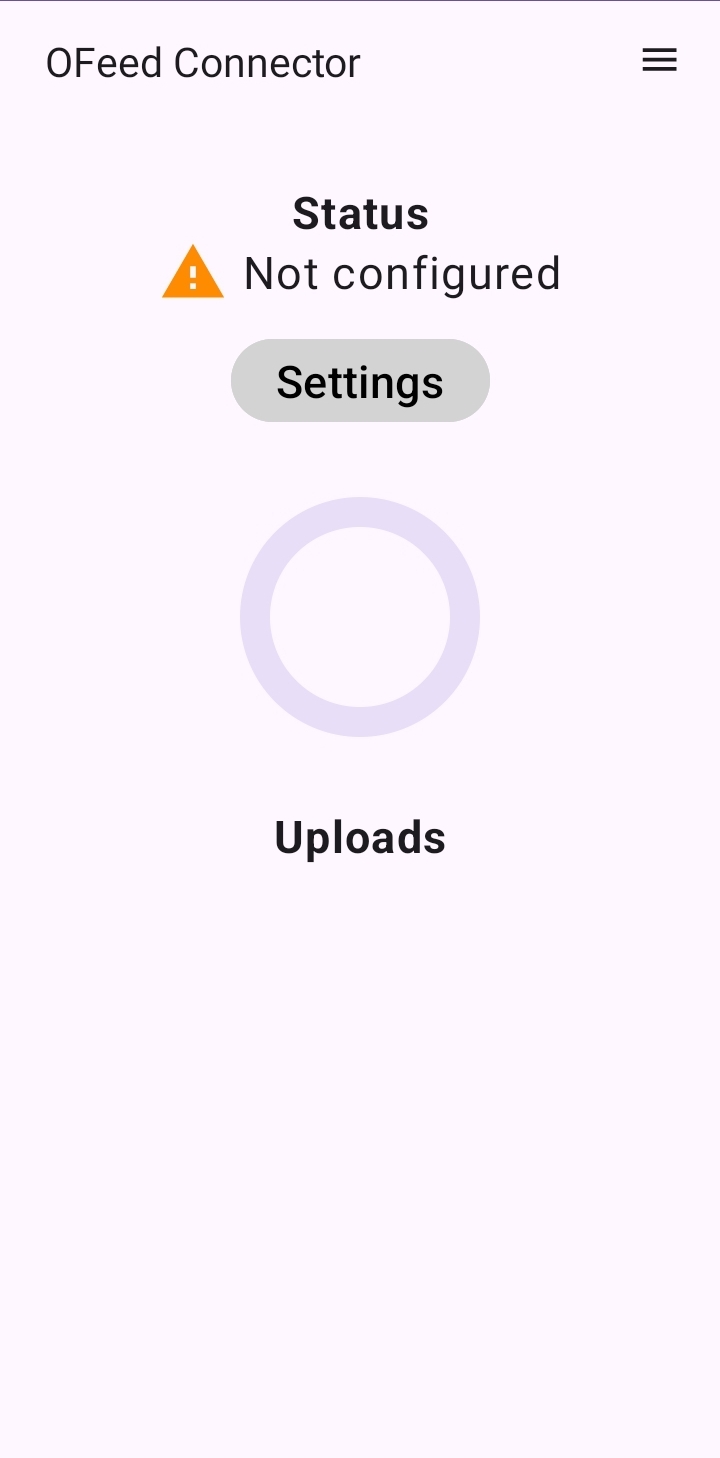
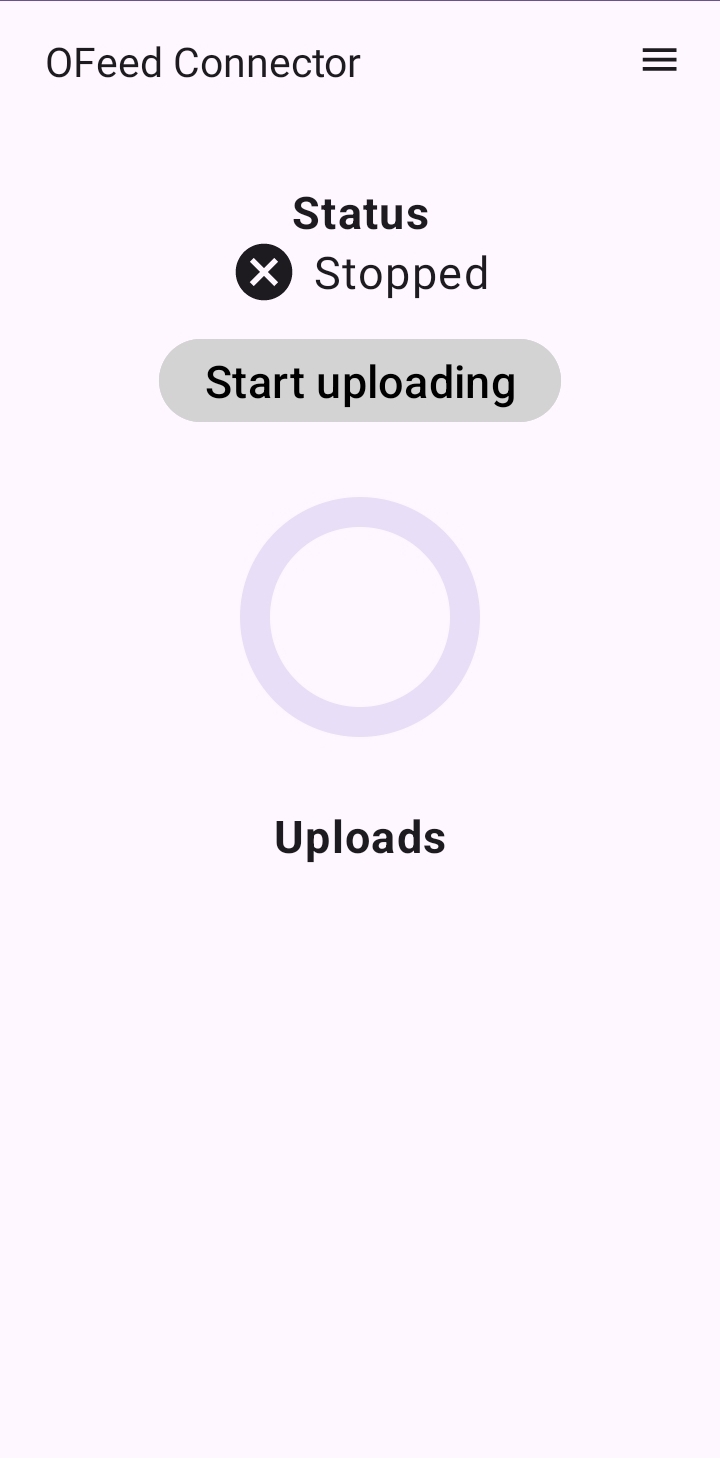
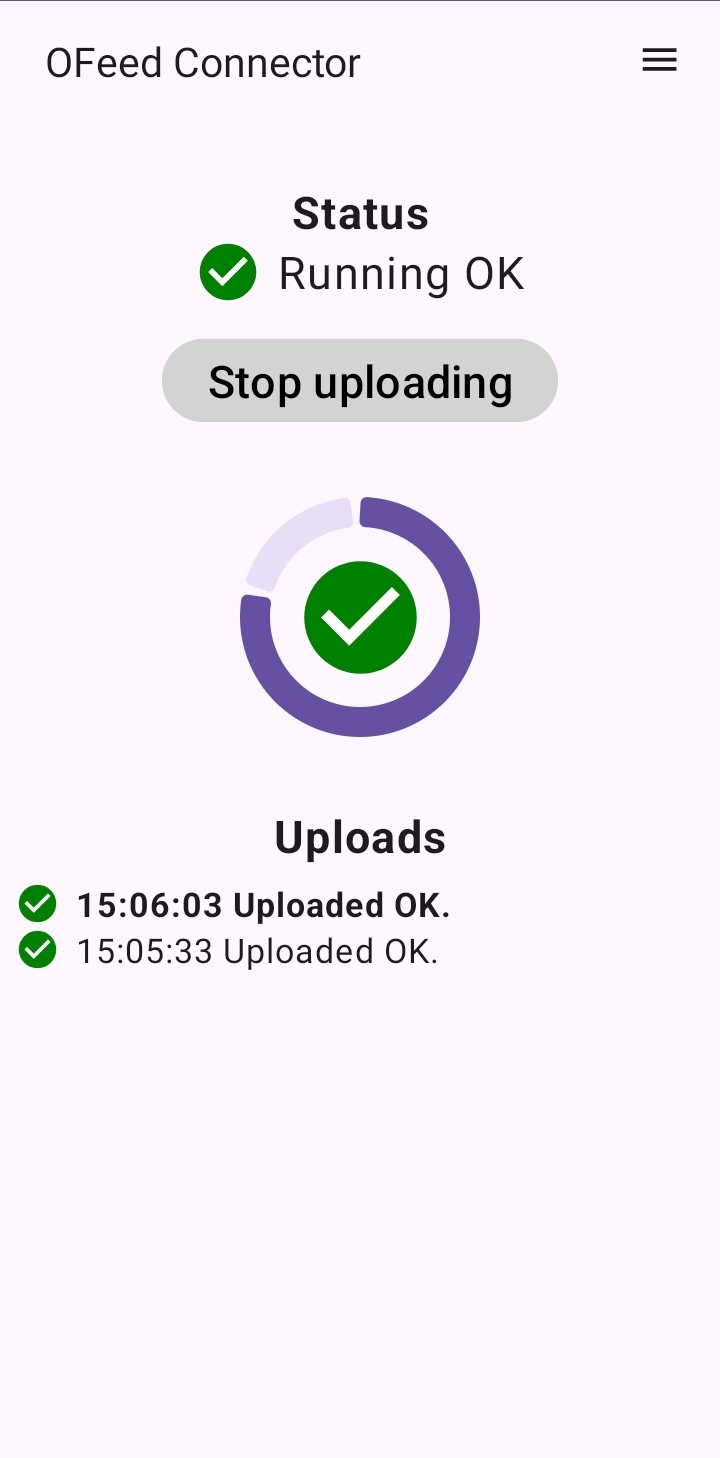
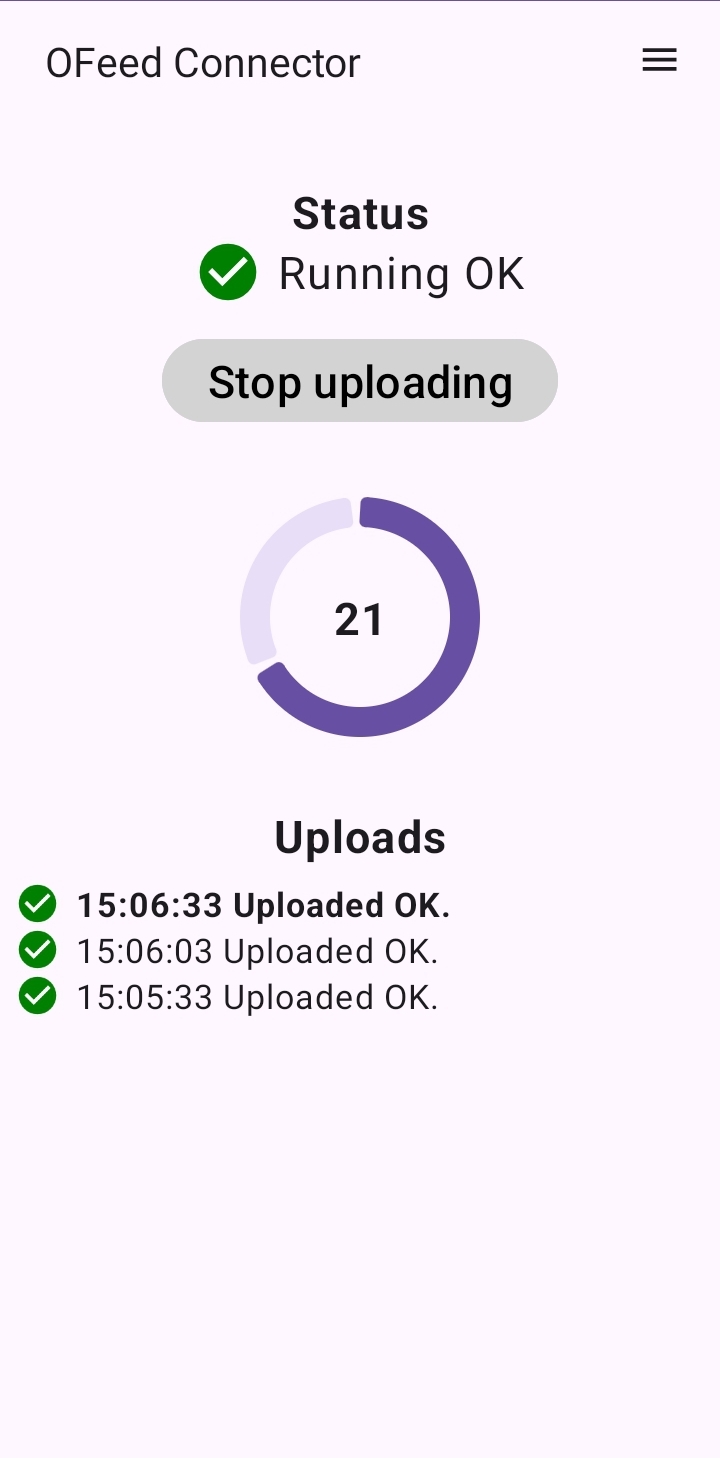
- Start data upload by clicking
Start uploading
Troubleshooting
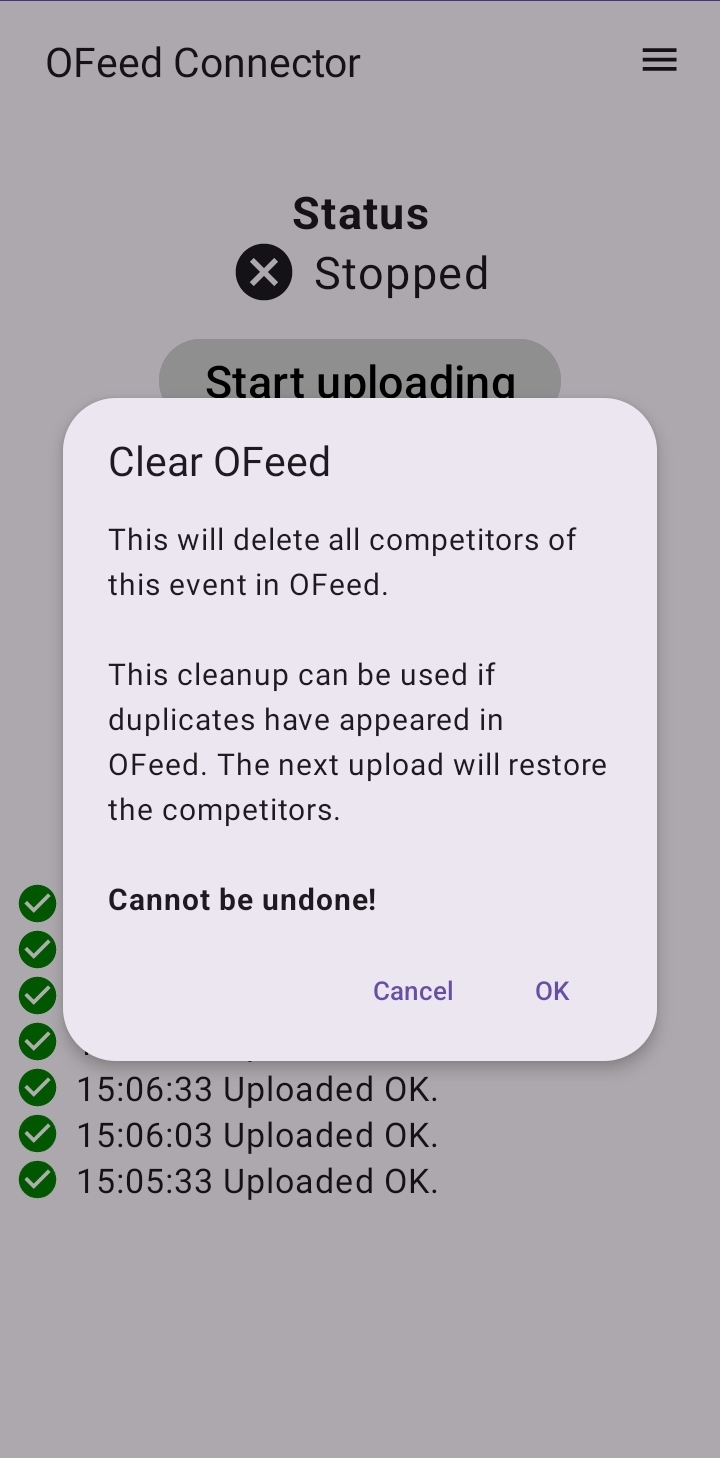
- Deleting uploaded competitors - In case of duplicates or other display issues, you can use the
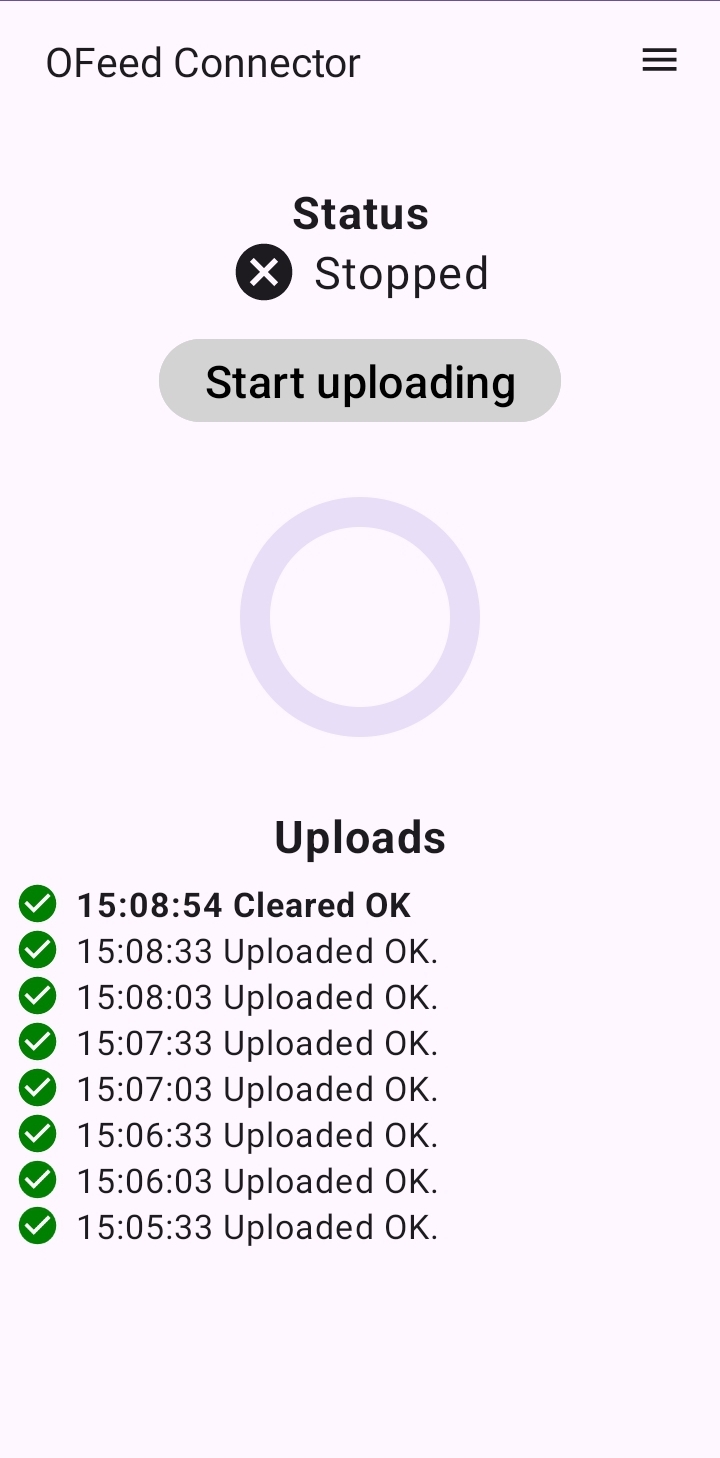
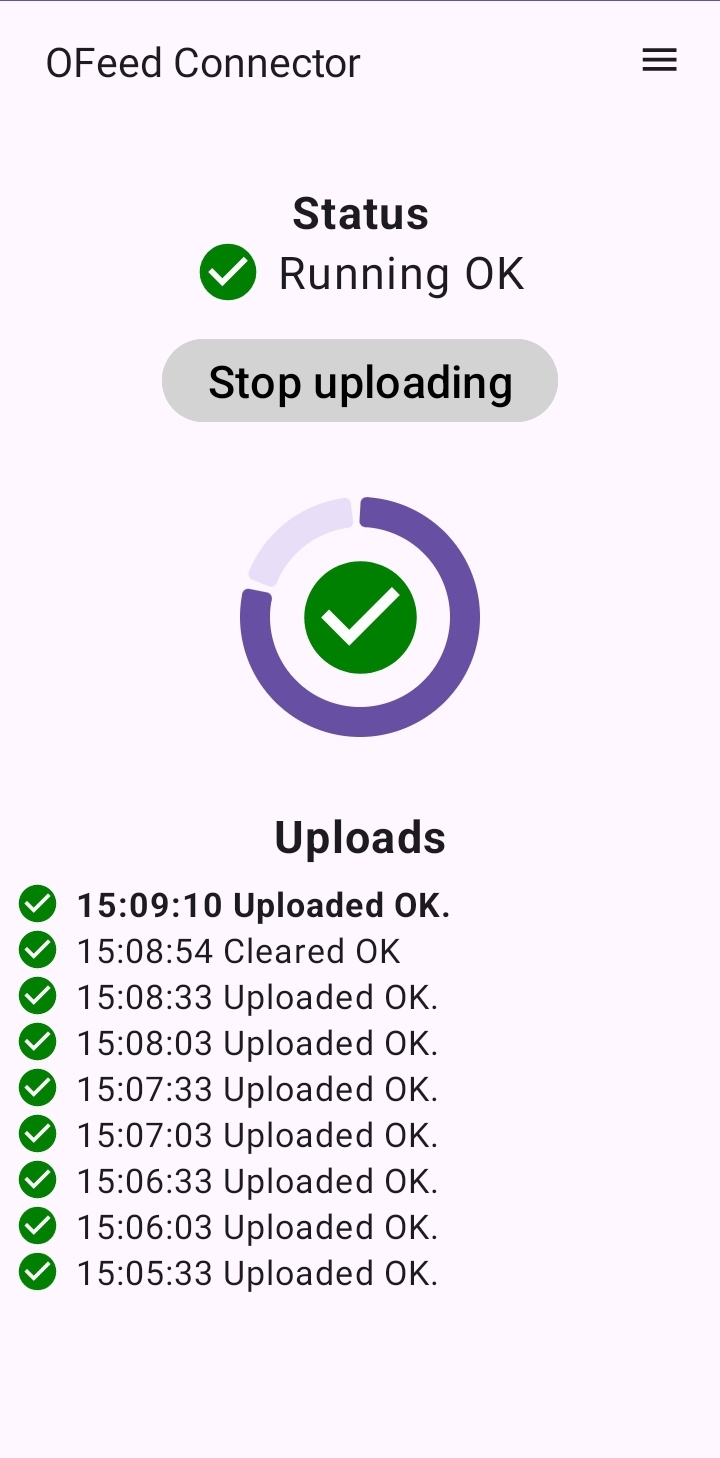
Clear OFeedfunction, which deletes all uploaded competitors. After restarting (upload stops after clearing), the upload will repopulate the competitors.
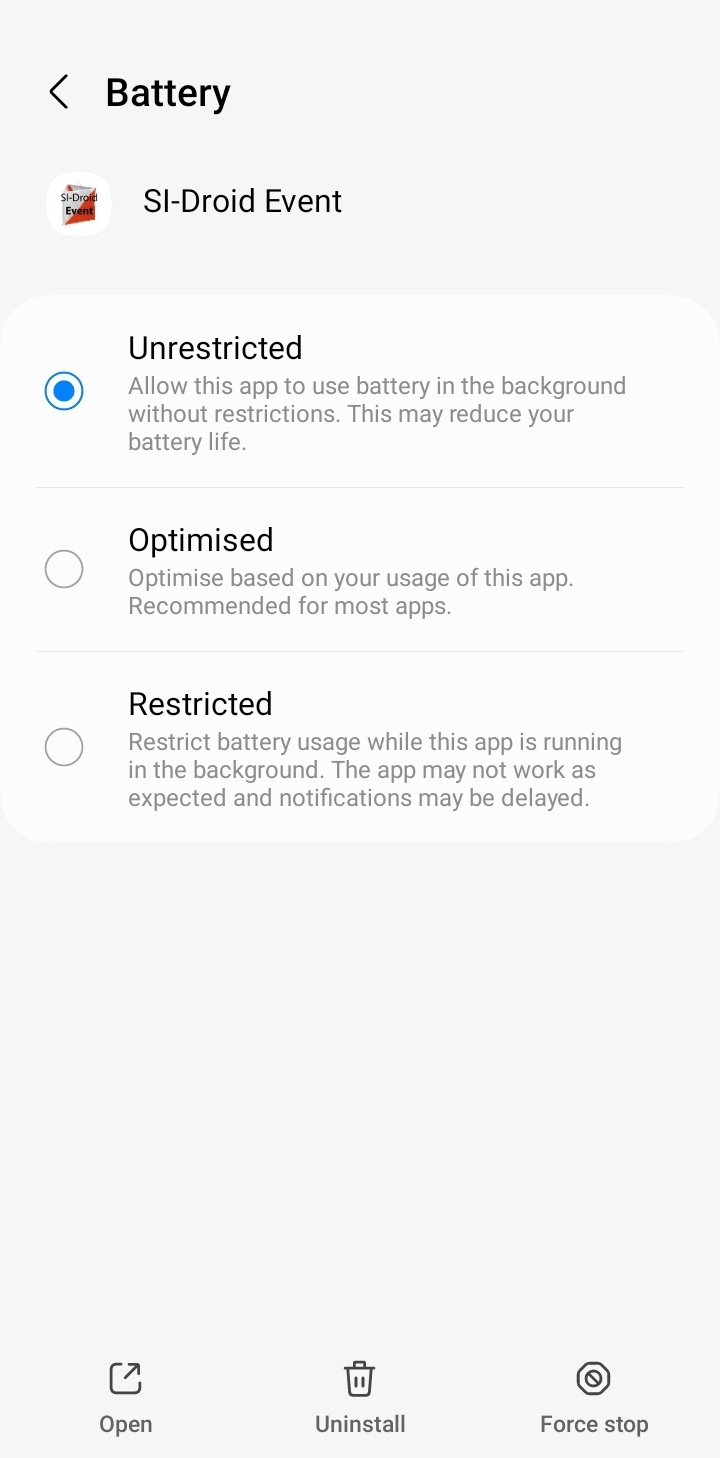
- Service unavailable - check the battery settings for the SI-Droid application, which may restrict the results service functionality.