Create a New Event
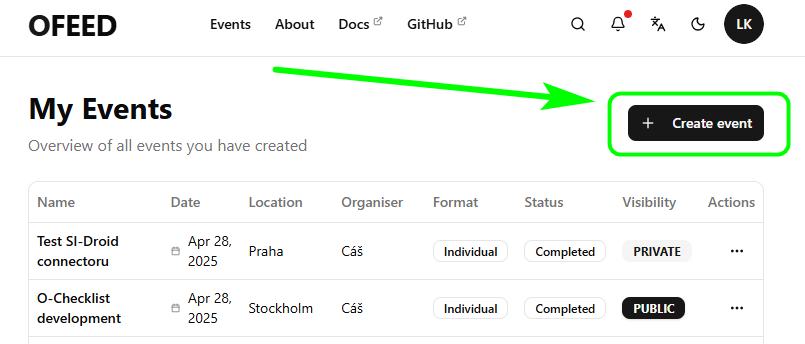
The first step is to create a new event that will store all your data. You need to be logged in, and then you can create a new event by clicking the + Create event button.
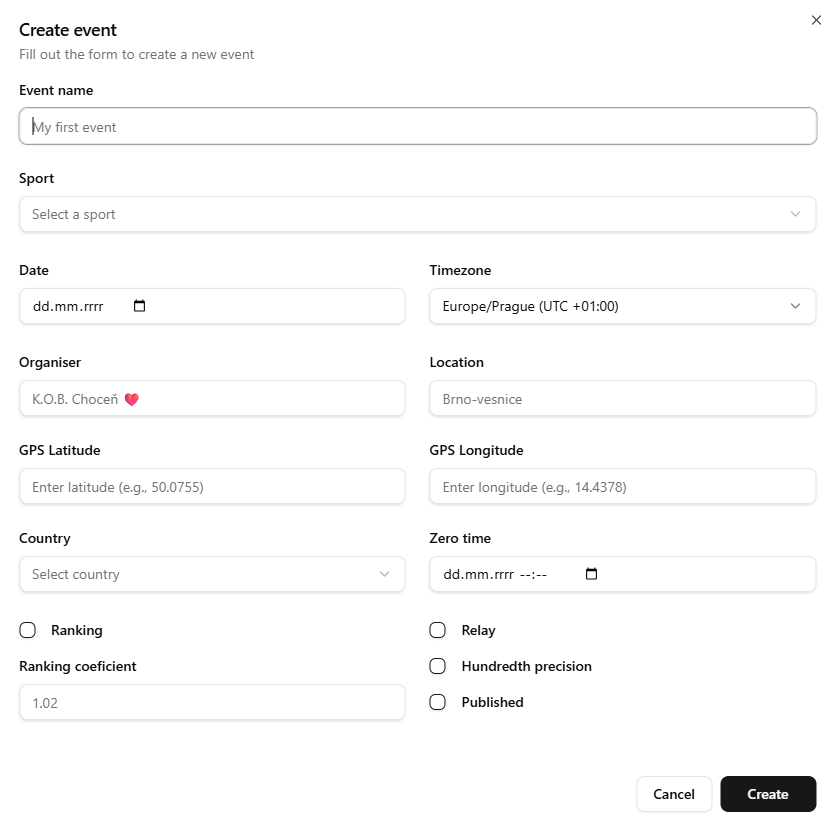
and filling out the form.
The switch on the Visibility card keeps your event private and accessible only via a direct link. Useful for testing.
Import from External IS
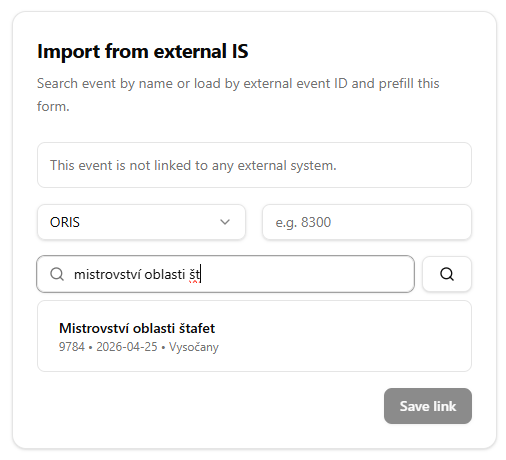
Data can also be loaded from an external information system, such as Oris or Eventor, by searching for an event or entering its ID. The connection also provides additional benefits, including a direct link to the event.
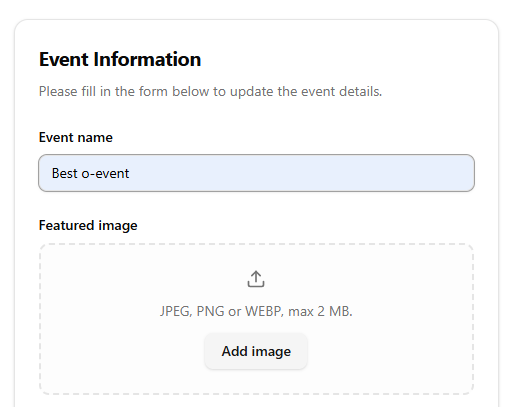
Upload Event Image
You can also upload a logo image for the event, which is displayed on the map of events and can be used, for example, as a source for printing on receipt.
Generate Event Password
The password is used to update event details. The event ID is also required to set up the connection in, for example, O Checklist or the QuickEvent service.
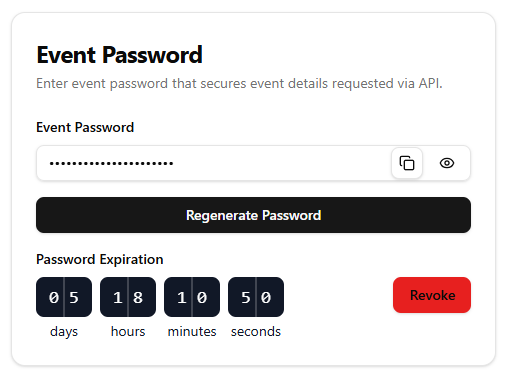
The password is valid for 7 days. Keep an eye on the countdown and regenerate the password if needed.
When you delete all event data, the password is deleted as well. Don’t forget to inform the start crew that both the original password and a new QR code (with a new password) have been regenerated. Provide them with a new one.
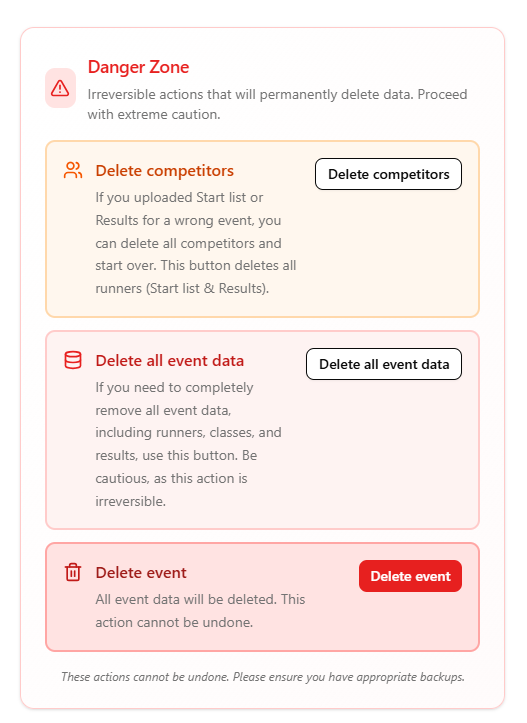
Danger Zone
This section allows you to perform actions that affect event data.