Upload Data
You can use either the manual method or the API for uploading. The manual method is more suitable for the initial upload, while the API can automatically handle uploads during the event.
Manual
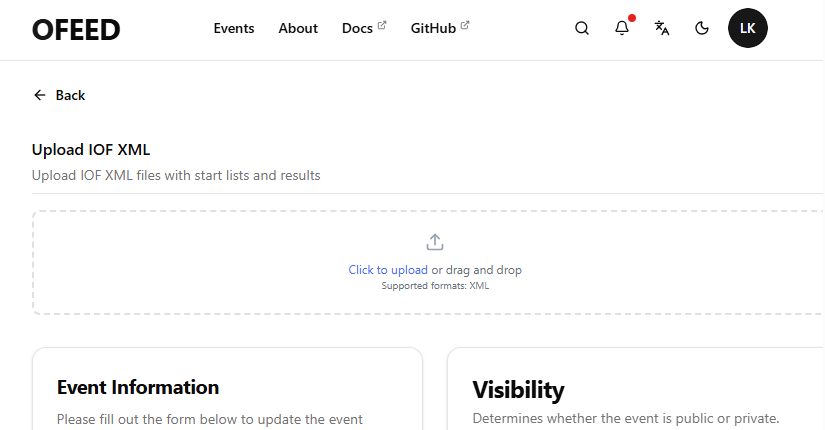
In the event Settings (you need to be logged in), you can drag and drop XML files containing the start list or results.
QE Service
Upload Setup
QuickEvent 3 has a dedicated service that handles regular uploads to the platform. The service is still in development but can already manage regular uploads of the start list and results

Fill in the fields:
- Url -
https://api.orinteerfeed.com - Event id - see the
Settingssection; it will look similar tocmanygkd60001qq3e5y5hqndm - Password - see the
Settingssection; you need to generate a new one after creating the event
Processing Changes
Changes sent back to QuickEvent are processed completely automatically. The service regularly checks for available updates and applies them to the database. There is also a backup table that stores all processed changes.
Run flags
Use Run flags for DNS instead of the off-race checkbox, which removes the competitor from the XML export.

API call
Use an HTTP POST reuest to the endpoint /rest/v1/upload/iof. More details can be found here.